
Updated February 11, 2026 — ROI figures and tools verified.
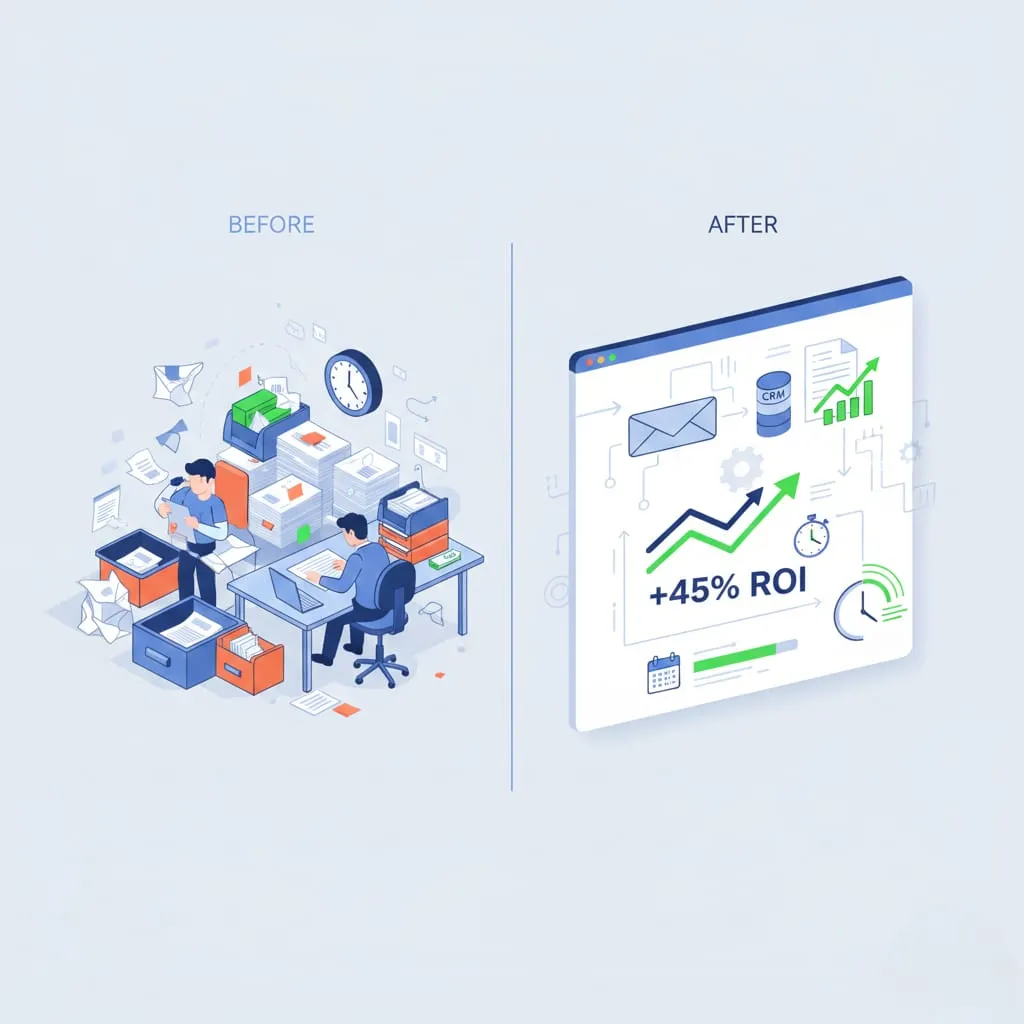
An SMB with 15 employees that automates its key processes recovers an average of 54 hours of work per week. At €40/hour, that's €2,160 of recovered productivity every week, or more than €112,000 per year.
But where to start? Which processes to automate first? Here's a framework to prioritize and calculate your ROI before getting started.
À retenir — Key Takeaways
- Potential: a 15-person SMB recovers an average of 54h/week = €2,160/week in productivity (at €40/h)
- Billing/chasing ROI (620%): -11 days payment delay, -64% invoices unpaid at 60 days, +€18,000 in cash flow for a €1M revenue SMB
- Lead management ROI (480%): processing 12–20 min → 0 min, response time 4h → 30 seconds, +23% lead→client conversion
- High priority: CRM data entry (40×/week), recurring invoicing (20×/week), payment chasing (15×/week)
- Prioritisation criterion: Frequency × Duration = wasted time volume + human error risk
- Not suitable for: highly variable processes, decisions requiring complex human judgment or heavy regulatory expertise
The Automation Prioritization Matrix
Before automating anything, you need to evaluate each process according to two axes:
Axis 1: Frequency × Duration = Volume of Lost Time
A process repeated 50 times per week for 5 minutes each time = 250 minutes/week = 4.2 hours.
Axis 2: Risk of Human Error
The more repetitive and manual a process is, the more prone to errors it becomes. An error in a quote or invoice can cost much more than the time saved.
| Process | Frequency/week | Unit Duration | Total time/month | Priority |
|---|---|---|---|---|
| Lead entry in CRM | 40 | 8 min | 21h | 🔴 High |
| Unpaid customer follow-ups | 15 | 12 min | 12h | 🔴 High |
| Weekly reports | 1 | 2h | 8h | 🟡 Medium |
| New client onboarding | 4 | 45 min | 12h | 🔴 High |
| Social media posting | 10 | 25 min | 17h | 🟡 Medium |
| Recurring invoicing | 20 | 15 min | 20h | 🔴 High |
The 6 Most Profitable Processes to Automate
1. Incoming Lead Management (Average ROI: 480%)
Current Process (Manual):
1. Lead arrives via email or form
2. Someone reads the email
3. Copies info into CRM
4. Sends confirmation email
5. Creates follow-up task
Total Duration: 12 to 20 minutes per lead
Automated Process:
Form → n8n → CRM (HubSpot/Pipedrive)
              → Personalized confirmation email
              → Slack notification for sales team
              → Automatically created follow-up task
              → Triggered nurturing sequence
Human Duration: 0 minutes. Processing Time: < 30 seconds.
Real Impact:
2. Invoicing and Collections (Average ROI: 620%)
The Problem: Late invoices cost French SMBs an average of 8.2% of their annual revenue. The main cause: manual follow-ups are time-consuming and often forgotten.
Automation:
Due date D-3 → Preventive polite email
Due date D+1 → Reminder email
Due date D+8 → Follow-up with online payment option
Due date D+15 → Team alert + escalation if necessary
Results:
3. Client Onboarding (Average ROI: 290%)
Onboarding is often chaotic: the client doesn't know what's happening, the team forgets steps, information isn't collected at the right time.
Automated Workflow:
Contract signed
    ↓
D+0 → Welcome email + client portal access
D+1 → Email checklist of required information
D+2 → Automatic reminder if information missing
D+3 → Automatically scheduled kick-off meeting
D+7 → First check-in
D+14 → Onboarding satisfaction questionnaire
Impact:
4. Monitoring and Reporting (Average ROI: 220%)
What teams do manually:
Duration: 3 to 6 hours per week
What automation does:
Every Monday at 8:00 AM:
    → Automatic GA4 retrieval (traffic, conversions)
    → LinkedIn, Instagram stats retrieval
    → Brand mentions (Google Alerts / Mention)
    → Formatted PDF report generation
    → Slack + email delivery to executives
Human Duration: 10 minutes to read the received report.
5. Social Media Management (Average ROI: 180%)
The Reality: 73% of SMBs abandon their social media strategy after 3 months because it's too time-consuming.
Automated Workflow:
1. You write 8 posts in a single 2h session
2. Automatic scheduling at optimal times (analysis of best hours)
3. Simultaneous publishing on LinkedIn, Instagram, Facebook, Google My Business
4. Engagement monitoring and alerts if a post performs exceptionally
5. Auto-generated monthly report
Time saved: 45 minutes per publication, or 6 to 8h/week for 3 posts/day.
6. Level 1 Customer Service (Average ROI: 340%)
Finding: 65 to 80% of support tickets concern the same 15 to 20 recurring questions.
Automation:
Customer question (email or form)
    ↓
AI Classification (topic, urgency, sentiment)
    ↓
    ├── FAQ Question → Automatic response (<30s)
    ├── Simple request → AI draft + human validation
    └── Complex case → Priority assignment + full context
Impact:
How to Calculate Your ROI Before Starting
Here's the simple formula:
ROI = (Monthly Gain - Monthly Cost) / Initial Investment × 100Monthly Gain = Hours saved × Average hourly cost
+ Additional revenue generated
+ Errors/penalties avoided
Monthly Cost = Tool licenses + Maintenance
Concrete Example:
Mistakes to Avoid
Automating a Broken Process
If your lead management process is chaotic, automating it will just make the chaos faster. Optimize before automating.
Trying to Automate Everything at Once
Start with 1 or 2 high-ROI automations. Measure, adjust, then expand. Global automation projects fail in 68% of cases (McKinsey, 2024).
Forgetting Error Handling
What happens when the CRM API is unavailable? When an email doesn't deliver? A good automation workflow always has fallback branches and error alerts.
Where to Start?
1. List all repetitive processes in your team (1 week of observation)
2. Calculate time lost per process (frequency × duration)
3. Prioritize the 2 processes with the highest volume of lost time
4. Pilot for 4 weeks with measurement of real gains
5. Expand progressively
In 90 days, most SMBs identify 40 to 80 recoverable monthly hours.
Client Case: Accounting Firm, 3 Automations in 6 Weeks
A 12-person accounting firm asked us to automate three processes: chasing missing documents from clients, generating monthly reports, and qualifying new incoming files. Before the project, each team member spent an average of 7h/week on these administrative tasks — 84h/week across the firm.
The rollout, completed in 6 weeks using n8n connected to their accounting software and shared mailbox, cut that time down to 22h/week — 62 hours recovered every week, the equivalent of 1.5 full-time positions. Initial investment: €4,200. Monthly tool cost: €90.
Over the first 6 months, the firm measured an ROI of 540%, driven mainly by automatic follow-ups on missing documents (average file closing time reduced by 9 days) and by automatic qualification of new files, which let the sales team handle twice as many incoming requests without additional hiring.
The takeaway that applies beyond accounting: the highest-ROI automations aren't necessarily the flashiest ones. They're the repetitive, high-frequency tasks that quietly eat hours every single week — exactly the kind the prioritization matrix above is designed to surface.
Conclusion
Automation isn't just for large corporations. For SMBs, it's often the investment with the highest ROI after hiring — sometimes better.
The good news: tools have evolved considerably. n8n, Make, Zapier now make it possible to automate complex processes without writing a line of code, in days rather than months.
---
Further Reading
⚙️ NeuraWeb audits and automates your business processes from A to Z: needs analysis, workflow development, team training. Free initial analysis. Start your audit →
Let’s discuss your project
30-min discovery call: ask your questions, we sketch a concrete first plan with rough numbers.
30 min · no commitment
Book a meetingAI automation & workflows
n8n, Make, AI agents: automate follow-ups, leads and processes. Setup in days.
Discover the service