
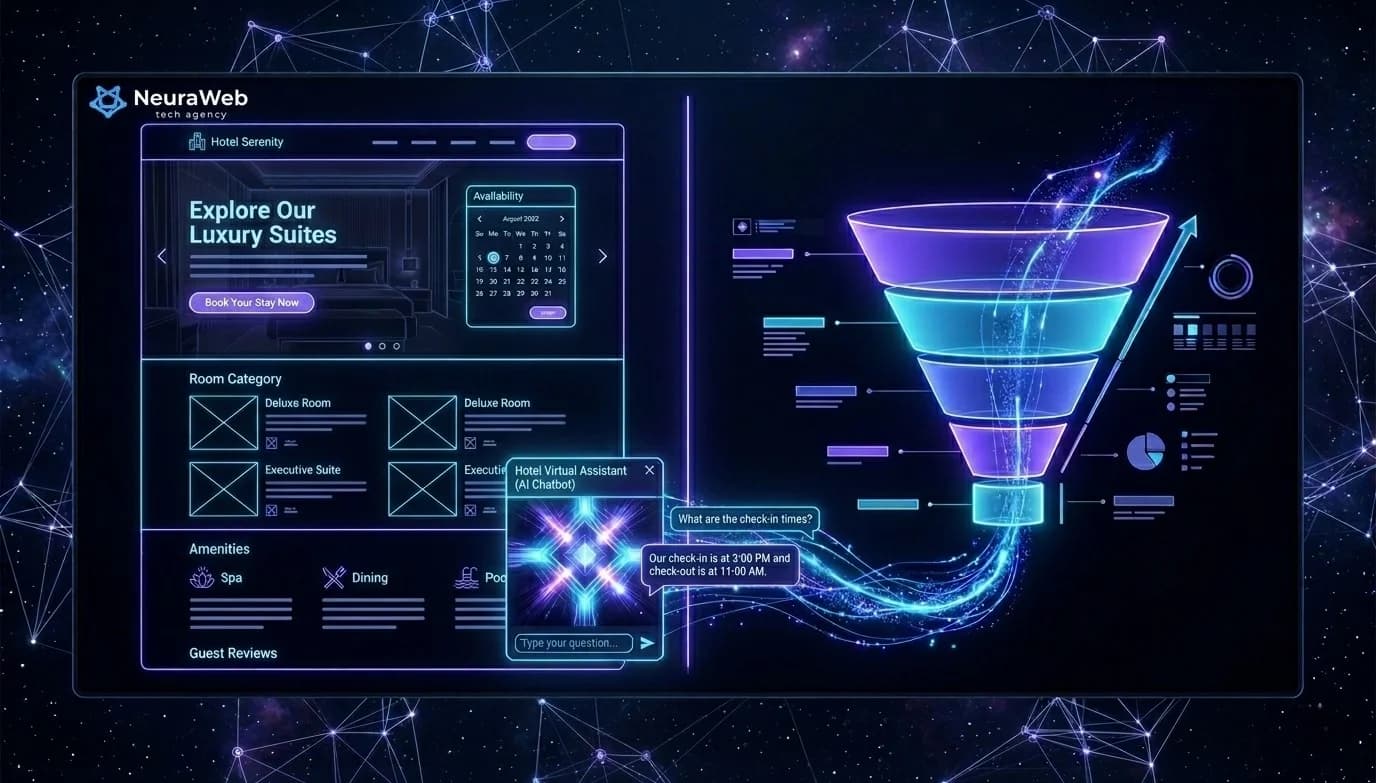
A website receiving 1,000 visitors per month converting at 0.8% generates 8 contacts. The same site, enriched with 3 well-placed AI layers, can reach 2.5 to 3% conversion — that's 25 to 30 contacts, without touching your advertising budget. In 2026, AI is no longer about "looking modern": it qualifies your visitors, responds to them instantly, and pushes the right message at the right moment. Here are the 7 concrete implementations, ranked by their impact on your revenue.
À retenir — Key Takeaways
- Conversion impact: 0.8% → 2.5–3% with 3 AI layers = 8 → 25–30 contacts/month for 1,000 visitors, without touching the ad budget
- Chatbot: 0% → 100% response in <30 seconds, +47% qualified leads, -38% cost per qualified lead
- Dynamic personalisation: +23% overall conversion, +34% engagement (scroll depth)
- Enriched form: lead processing 8h → <20 min, +28% closing rate on inbound leads
- AI retargeting: recover the 73% of visitors who leave without converting via behavioural targeting by page visited
- Stack: Claude/GPT-4o (LLM) + n8n (orchestration) + Next.js (native integration) + HubSpot/Pipedrive (CRM)
1. The Qualification Chatbot: Your Sales Rep Available 24/7
Most visitors who leave a website do so for a simple reason: they had a question and nobody answered.
A well-configured AI chatbot — not a rules-based bot from 2018 — understands context, identifies the need in 2 to 3 exchanges, and guides toward the right action: filling out a form, booking a meeting, viewing a product page.
Across the projects we deploy at Neuraweb, results are consistent:
The chatbot connects to your CRM (HubSpot, Pipedrive) and automatically creates the contact record as soon as a visitor leaves their email.
Recommended stack: Claude or GPT-4o as the LLM engine, n8n for orchestration, native integration into your Next.js site.
2. Dynamic Personalization: The Right Message for Each Visitor
Your homepage displays the same text to everyone. A visitor arriving from a LinkedIn ad targeting hotel owners sees exactly the same hero section as an industrial manager who typed "web agency" into Google.
AI changes this in real time.
Concretely: based on the entry source, detected industry, or browsing behavior, your key section content adapts. A visitor who views your service pages twice sees a "Let's talk about your project" panel appear where others see an FAQ section.
Measured impact: +23% overall conversion, +34% engagement (scroll depth) on projects where we integrated this layer.
3. The Intelligent Content Assistant: Answer Visitors Before They Ask
AI can analyze in real time the questions your visitors are asking — by reading their behaviors: pages visited in what order, time spent on each section, back-navigation.
From these signals, a recommendation module suggests the next relevant resource: a case study in the visitor's industry, a technical guide adapted to their maturity level, a price estimate if behavior indicates an imminent purchase intent.
This is the difference between a static site and one that "reads" its visitors.
Concrete example: a visitor spends 90 seconds on your "pricing" page, comes back to the homepage, then reads a case study from their industry. The recommendation module detects this journey and automatically displays a "Get a quote for your industry" panel instead of the default generic banner. On projects where this layer is active, the click-through rate on contextual CTAs is 2 to 3 times higher than on static banners.
4. The AI-Enriched Contact Form
Classic contact forms collect a name, an email, a message. AI can make this form work much harder.
Before the visitor even clicks "Send", a scoring system analyzes:
Your sales rep then receives a lead with a score, a context summary, and an approach suggestion — not just a raw email to process cold.
Field result: lead processing time reduced from 8 hours to under 20 minutes. Closing rate on inbound leads: +28%.
5. AI Retargeting: Recovering the 73% Who Leave Without Converting
73% of your visitors leave your site without leaving contact details. Without a system, they're gone.
Contextual AI retargeting changes this: it precisely identifies which page each visitor consulted, combines that with behavioral data, and triggers highly targeted ads on Google and Meta — with the right message, at the right time, for the right person.
A visitor who spent 4 minutes on your "Automation" page doesn't see the same ad as a visitor who bounced from the homepage after 15 seconds.
| Monthly ad budget | Estimated additional revenue |
|---|---|
| €300 | €2,000 – €4,000 |
| €600 | €4,000 – €8,000 |
6. Predictive Analytics: Knowing When to Call a Lead
76% of B2B deals are lost not because the prospect didn't want to buy — but because the sales rep contacted them too early, too late, or with the wrong angle.
An AI scoring system analyzes 15 to 30 behavioral signals on your site to predict, with 73 to 85% accuracy, when a lead is ready to be approached.
When the score crosses the defined threshold, your sales rep receives a Slack notification with full context: pages visited, time spent, questions asked to the chatbot, resources downloaded.
No more blind prospecting. No more missed timing.
Concretely, the signals tracked include: number of pages viewed, time spent on pricing and case study pages, resource downloads (whitepapers, case studies), nurturing email opens, and recency of the last visit. No single signal is reliable on its own; it's their weighted combination that produces an actionable score. The simplest models use logistic regression on these variables; more advanced stacks rely on an LLM to interpret the content of chatbot conversations in addition to pure behavioral data.
7. AI-Generated Dynamic FAQ: Capturing Featured Snippets
The static FAQ is dead. Visitors ask questions in natural language — exactly as they do on ChatGPT or Perplexity. If your site answers these questions in the right format, Google positions you in featured snippets.
An AI dynamic FAQ evolves in real time based on the actual questions asked to your chatbot. The 10 most frequent questions automatically surface in a visible FAQ section, tagged in JSON-LD for rich snippets.
Result: strengthened organic visibility, reduced bounce rate, and content that stays always relevant without manual maintenance.
Case Study: HR Consulting Firm, Lille (12 Employees)
Context: an HR consulting firm was generating 900 monthly visits on its website, with a 0.6% conversion rate (5 to 6 contacts per month). The classic contact form asked no qualification questions, and 40% of incoming requests fell outside the firm's core target (executive recruitment, restructuring).
Deployment (6 weeks):
1. Qualification chatbot connected to HubSpot, with 8 question scenarios depending on the HR need
2. Enriched form with automatic scoring (industry, company size, urgency)
3. Homepage personalization based on traffic source (LinkedIn Ads vs organic search)
Results measured at 4 months:
This case illustrates a key point: the chatbot and enriched form (techniques #1 and #4) produce most of the short-term gain. Dynamic personalization (technique #2) mainly improved the quality of leads coming from LinkedIn Ads, by reducing the mismatch between the ad message and the content shown on the landing page. Smaller firms often assume AI layers are reserved for bigger budgets. This example shows the opposite: total first-year cost stayed under €5,000, well below the value of a single signed executive search mandate.
Where to Start? The 30-Day Method
No need to implement everything at once. Here's the order that generates the fastest ROI:
Weeks 1–2 → Qualification chatbot + enriched form
Weeks 3–4 → Dynamic FAQ + predictive scoring
Month 2   → Dynamic personalization + AI retargeting
Month 3   → Data analysis + continuous optimization
At 90 days, your site works for you with human supervision reduced to high-value decisions only.
To keep the rollout on track, track four numbers weekly: chatbot response rate, lead score distribution, contextual CTA click-through, and lead-to-meeting conversion. A simple spreadsheet is enough for the first 90 days — the goal is catching a broken integration early, not building a full analytics stack. Teams that skip this step often discover months later that a webhook silently stopped firing, with leads sitting unscored in the CRM.
---
Further Reading
At Neuraweb, we support SMBs through this transformation from A to Z: audit of the existing site, AI layer development, CRM integration, and sales team training. If you want to know which of these 7 components apply to your specific situation, we can discuss it in 30 minutes — free audit at neuraweb.fr →
Let’s discuss your project
30-min discovery call: ask your questions, we sketch a concrete first plan with rough numbers.
30 min · no commitment
Book a meetingAI integration on your site
Chatbot, recommendations, semantic search: turn your site into a conversion machine.
Discover the service